
Windows, PC & Wi-Fi Troubleshooting
-

Wi-Fi Connected but No Internet? Find Out Whether It’s Your Laptop, Router or Provider
When your Wi-Fi is connected but there’s no internet, the Wi-Fi icon shows a globe, the network says “No internet, secured”, and no page will load. Your phone may be fine on the same Wi-Fi while your laptop isn’t, or everything in the house may be offline. Restarting everything and running the troubleshooter can help, but it’s guesswork until you…
Read More » -

Why Wi-Fi Keeps Disconnecting, and the Settings to Check in the Right Order
A consistent pattern of cutting out/disconnecting and reconnecting (though not changing anything) is usually caused by one specific issue/setting. You are able to identify that issue by changing one thing at a time, and watching its effect on your laptop connection. Windows saves a log of all connectivity issues; so you don’t need to remember how many times your connection…
Read More » -
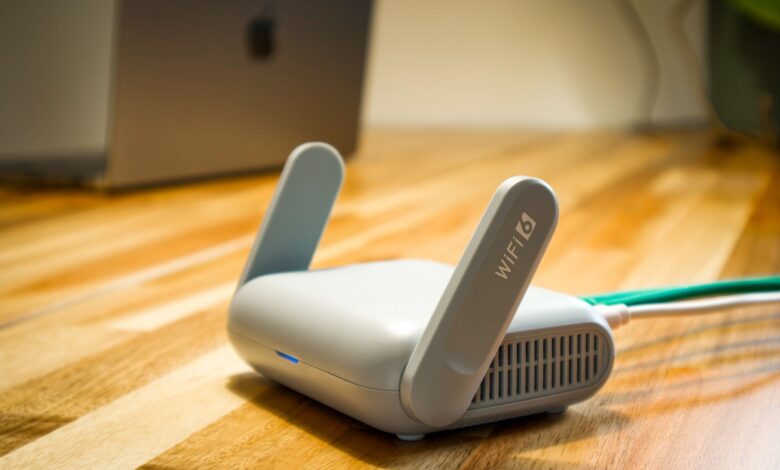
How to Increase Wi-Fi Speed at Home: Test Each Change and Keep Only What Helps
Most tips on how to increase Wi-Fi speed come as a list of ten things to try at once. If you try them all together, you can’t tell which one worked, or whether any of them did. Microsoft’s guidance on Wi-Fi and home layout gives a better rule. Run a speed test before you change anything, test at several places…
Read More » -
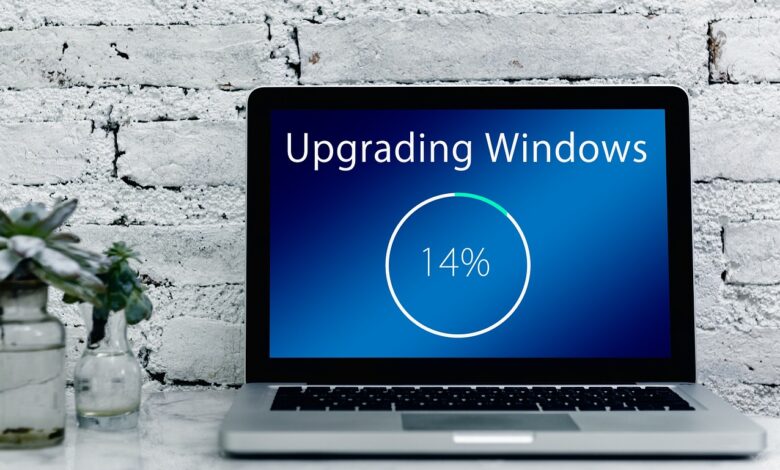
Windows Update Stuck? How to Tell Real Progress From a Freeze Before You Force a Restart
A percentage that stops moving does not prove your update has frozen. Windows installs updates in four documented phases: scan, download, install, and commit and restart. During long parts of that process the progress bar barely moves while the PC keeps working in the background. So when Windows Update looks stuck, check whether the update processes are still active before…
Read More » -

Laptop Running Slow: What Task Manager Shows About the Real Cause
When a laptop is running slower than normal, the appropriate question isn’t what can I turn off? The question is which part of my laptop is out of resources? Once that question is answered, you will know which fixes will help speed up your laptop and which will only create noise. Windows already records the amount of resources used by…
Read More »